This section covers who can sign in to an account and what they can do there. Dealers also use it to set up and look after the accounts of their customers.
¶ What you manage here
- Accounts: the dealer and consumer accounts below yours, their status, details and branding.
- Users: the people who can sign in to an account, and the role each one holds.
- Invitations: how new people join an account: with a login you create, their existing login, or an invitation link. See Ways to give an owner or user access.
- Roles: named sets of permissions, such as a Dispatcher role with no access to user administration.
- API keys: access for your own systems to the API, each with a role of its own.
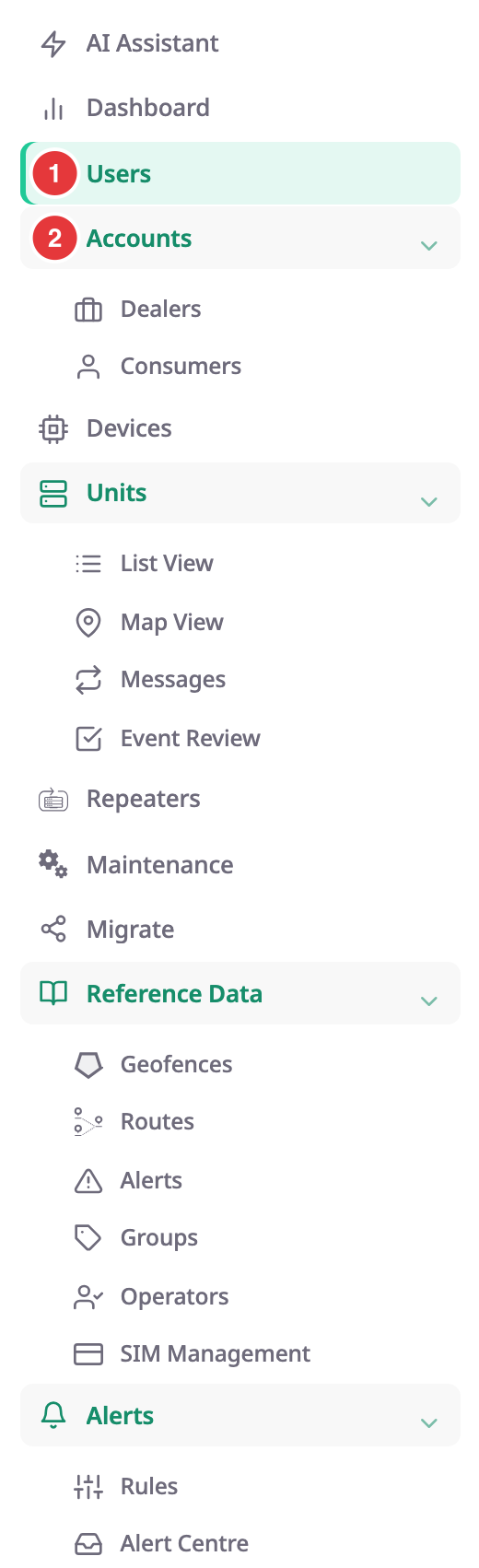
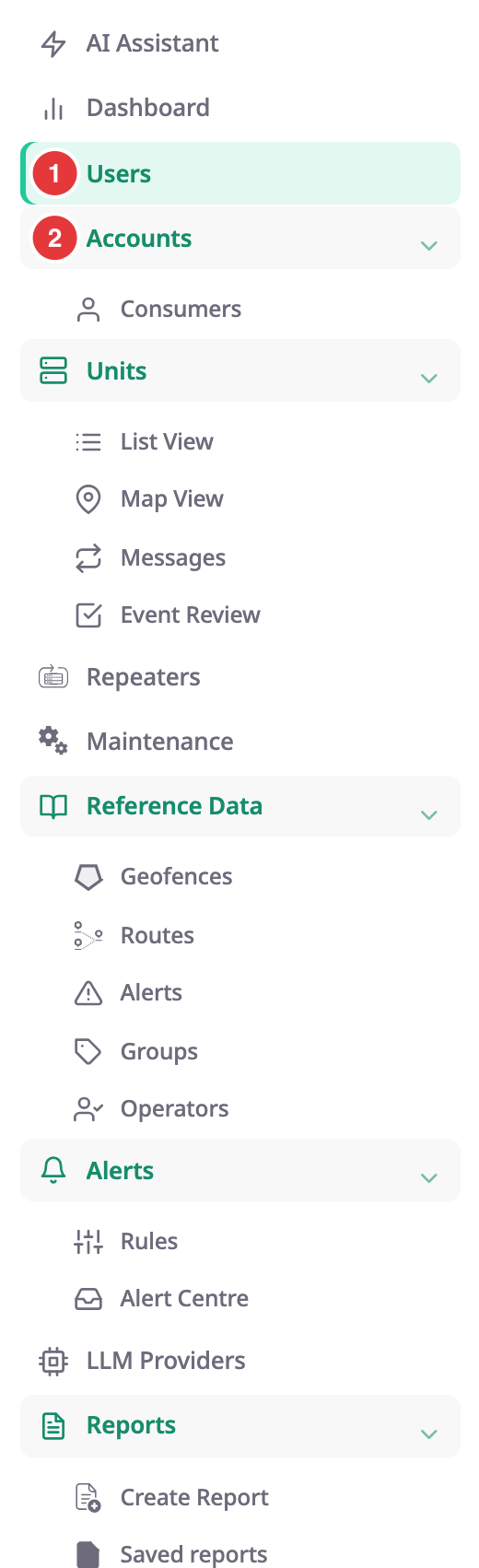
Everything starts from two entries in the side menu, marked 1 and 2.
¶ If you run a dealer account
A dealer account sells and supports tracking for other companies. As a dealer you:
- create consumer accounts for your customers and sub-dealer accounts for your resellers;
- change an account's status, details and white labelling;
- manage the users of a customer account, or sign in as one of them to help;
- manage the users and roles of your own account.
¶ If you own a consumer account
A consumer account tracks its own fleet. As its owner you manage your colleagues and their roles under Users. If your account has accounts of its own, for example a subsidiary, you also see Accounts > Consumers.
¶ Who can do what
Your role decides which of these screens you see. The built-in Owner role has every permission in its account. Other roles have only what the account's owner gave them.
See How roles and permissions work.
¶ Tasks
- Create a dealer account
- Create a consumer account
- Edit, deactivate or block an account
- Manage the users of a customer account
- Sign in as a user of another account
- Set up white labelling for an account
- Set the date, time and unit formats for your account
- Invite a user to your account
- Change a user's role or remove a user
- Create a role
- Edit or delete a role
- Create and revoke API keys
- Set up driver chat for an account